
2FA Setup & Login Screencast.mp4
1. Download either Authentication App - Google Authenticator App - or - Microsoft Authenticator App
These Authentication Apps work in the same way so either can be used and both are available on Apple & Android ( if needed you can also edit the 2FA and switch from one App to the other App )
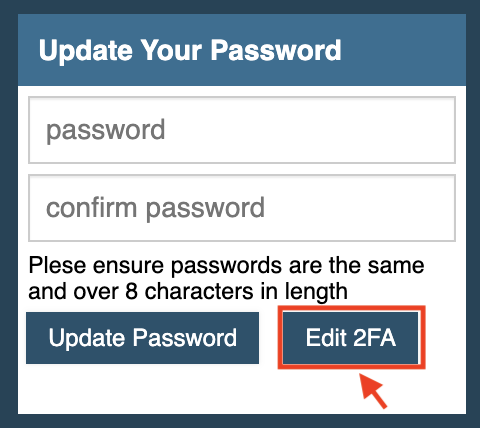
2. Login to the site, and select ‘Edit 2FA’ button.
3. This then displays a QR code that you scan with the APP
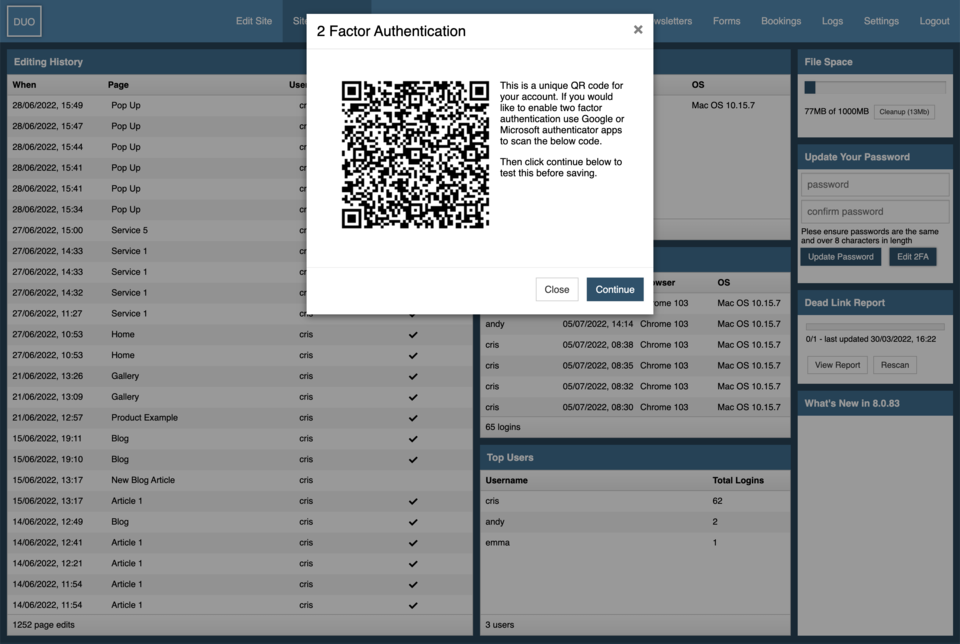
4. It then prompts you to add the TOPT code from the App

5. And confirms the authentication was enabled.

6. Now when you login add your username and password, it requests the TOPT code from the App to get access.

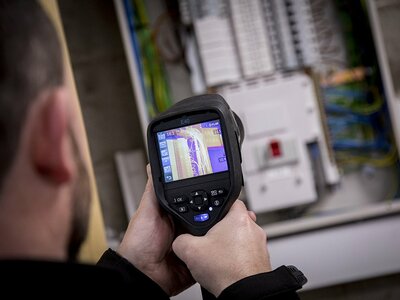
Electrical faults rarely announce themselves - they build quietly, hidden behind panels and inside connections, until the damage is already done. Thermal imaging changes that. By revealing heat
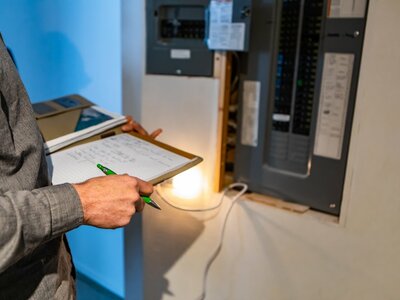
An Electrical Installation Condition Report (EICR) is an invaluable roadmap to compliance for your business. Regular testing ensures your installation meets safety standards, like BS7671, and reports
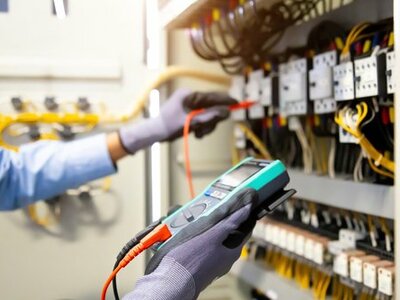
Minimising commercial electrical faults should be a priority for any business. Why? Because they can put your employees and equipment at risk and cause unplanned, costly downtime. What’s more,
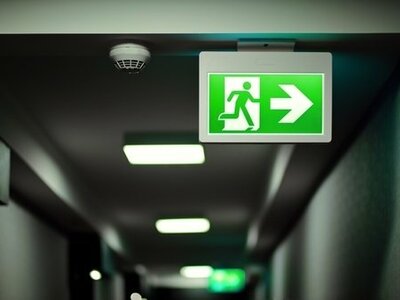
If the main power supply in your building fails for any reason, your emergency lighting is there to provide on-site safety. Emergency light types, including escape route and open-area lighting, are
This site uses cookies that enable us to make improvements, provide relevant content, and for analytics purposes. For more details, see our Cookie Policy. By clicking Accept, you consent to our use of cookies.
